
A little inspiration from Oroomi
How to choose a photo for a personalised gift
Start with the original file and a moment you love.
Find your favourite
Use the original photo
Photos sent through messaging apps or saved from social media can lose detail. Upload the original from your phone or camera where possible.
Leave room for the crop
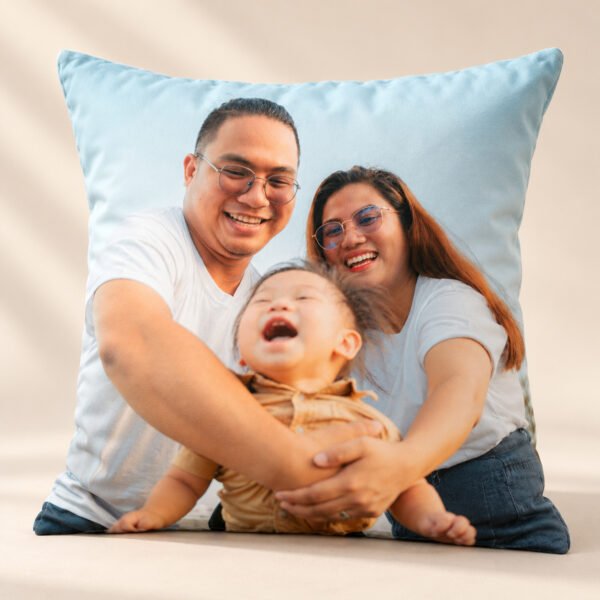
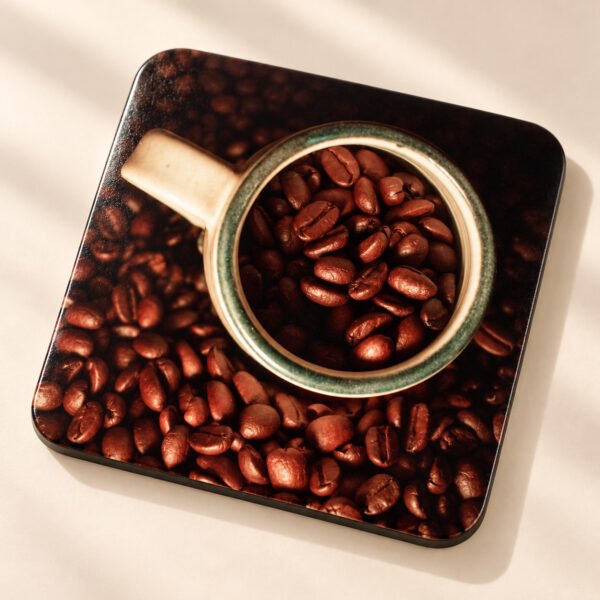
Square cushions and coasters need space around faces. Use the preview guide to keep important details away from trimmed edges and seams.
Look for clear light
Bright, natural light and sharp faces tend to reproduce more clearly. Shadows, blur and heavy filters are difficult to correct when printing.
Read the quality message
The editor estimates detail at the selected print size and zoom. If it warns that your photo may print soft, replace it with a larger original or zoom out.
Check wording and contrast
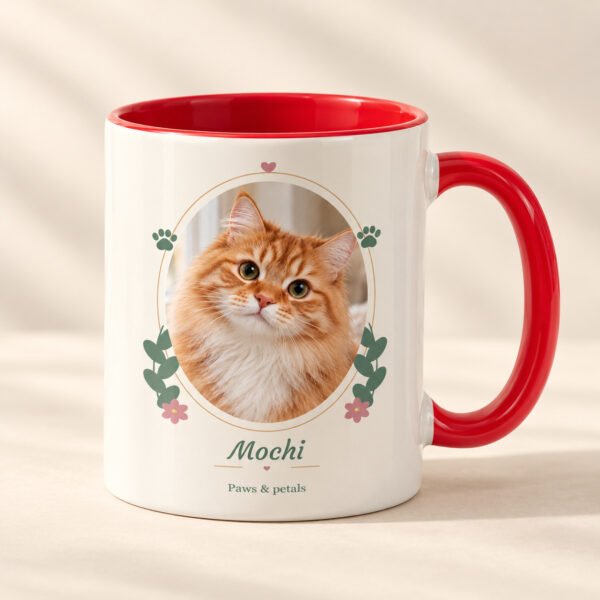
Keep messages short. Choose a text colour that is easy to read against your photograph and check names and dates before saving.